Skip to content
Amos Kipkorir
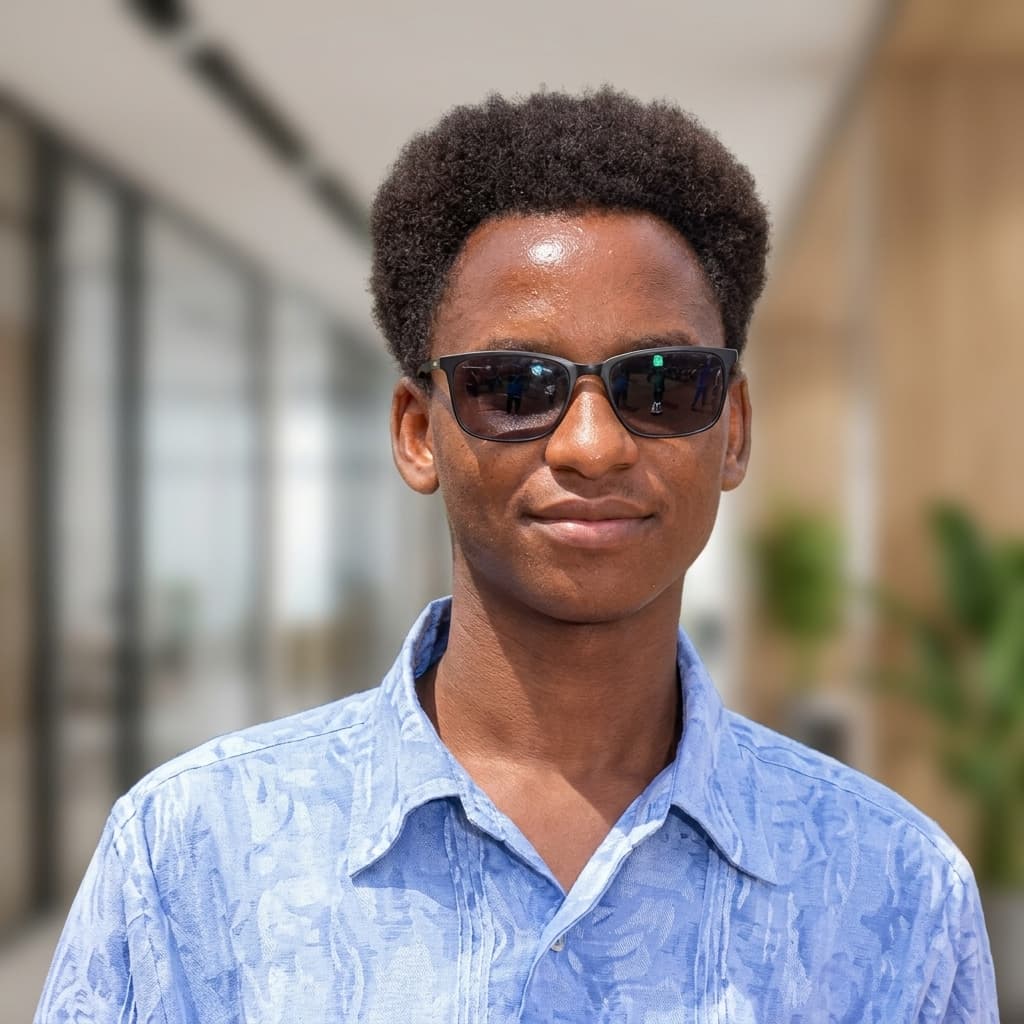
Portrait of Amos Kipkorir

Content curator and e-learning digitiser

Amos Kipkorir

I curate university curricula and build them into interactive modules for e-learning portals. For three years that work has been with the Open University of Kenya: new degree programmes, first-year courses, and on-site digitisation workshops.

On-site workshops at JKUAT Main Campus, NITA Athi River, Naivasha, Machakos, and Nakuru.

Selected work

Commissioned by the Open University of Kenya, through the Deputy Vice-Chancellor (Academic Affairs) and the Directorate of ICT, to curate and digitise course content for new degree programmes.

Undergraduate course digitisation

JKUAT Main Campus · Directorate of ICT, Open University of Kenya

Two back-to-back workshop rounds, held on-site at Jomo Kenyatta University of Agriculture and Technology. Undergraduate course content was digitised for the university e-learning portal.

Articulate 360 · SCORM packaging · Two rounds

78 + 30undergraduate courses

Curriculum digitisation workshop

National Industrial Training Authority, Athi River · 12 working days

A two-week workshop converting newly developed curricula into e-learning format, including a visual design pass and interactive activities.

H5P · Canva

First-year content curation, Phase II

Naivasha · Open University of Kenya

Curated first-year course content for new degree programmes under Phase II of the curriculum rollout.

Instructional curation

17new programmes

First-semester content curation

Machakos · 2 weeks

Curated first-semester content for newly developed degree programmes, and structured the source material into teachable units ahead of digitisation.

Instructional curation

Content digitisation workshop

Nakuru · Open University of Kenya

An early digitisation workshop, converting newly developed curricula into course content for the e-learning portal.

SCORM

Work samples

Screen recordings of a module being built, from source material to an interactive version ready for the LMS.

Course curation and interactive build

A walkthrough of structuring course content and assembling the interactive module.

Open recording

Digitisation through to SCORM

From source material to a module packaged for a learning management system.

Open recording

How a course is produced

Every course goes through the same five steps before it is handed over for the LMS. That sequence is what keeps the work consistent across programmes and workshop sites.

  1. Intake

    Review the curriculum, lecture notes, and course outline against the first-year, first-semester syllabus.

  2. Curate

    Restructure the material into units. Cut repetition, and sequence it in the order a learner actually needs.

  3. Design

    Build the visual layout in Canva — type, images, and pacing — so the module does not read as a textbook pasted onto slides.

  4. Build interactions

    Add scenarios, drag-and-drop activities, and knowledge checks in Articulate 360 and H5P.

  5. Package and check

    Export to SCORM, test the package in the LMS, and review it before publishing.

About

I am a content curator and digitiser. For three years I have prepared digital learning content for the Open University of Kenya, turning curricula into interactive courses for the university’s e-learning portal.

The work is close reading and structuring: what stays, what is repeated, and what a learner should do next. Articulate 360 and H5P carry the interactions, Canva carries the layout, and SCORM is how a finished module is delivered. I also use HTML, CSS, JavaScript, and React when a module needs something the authoring tool does not cover.

Authoring. Articulate 360, H5P, Canva, SCORM. Front-end. HTML, CSS, JavaScript, React.